


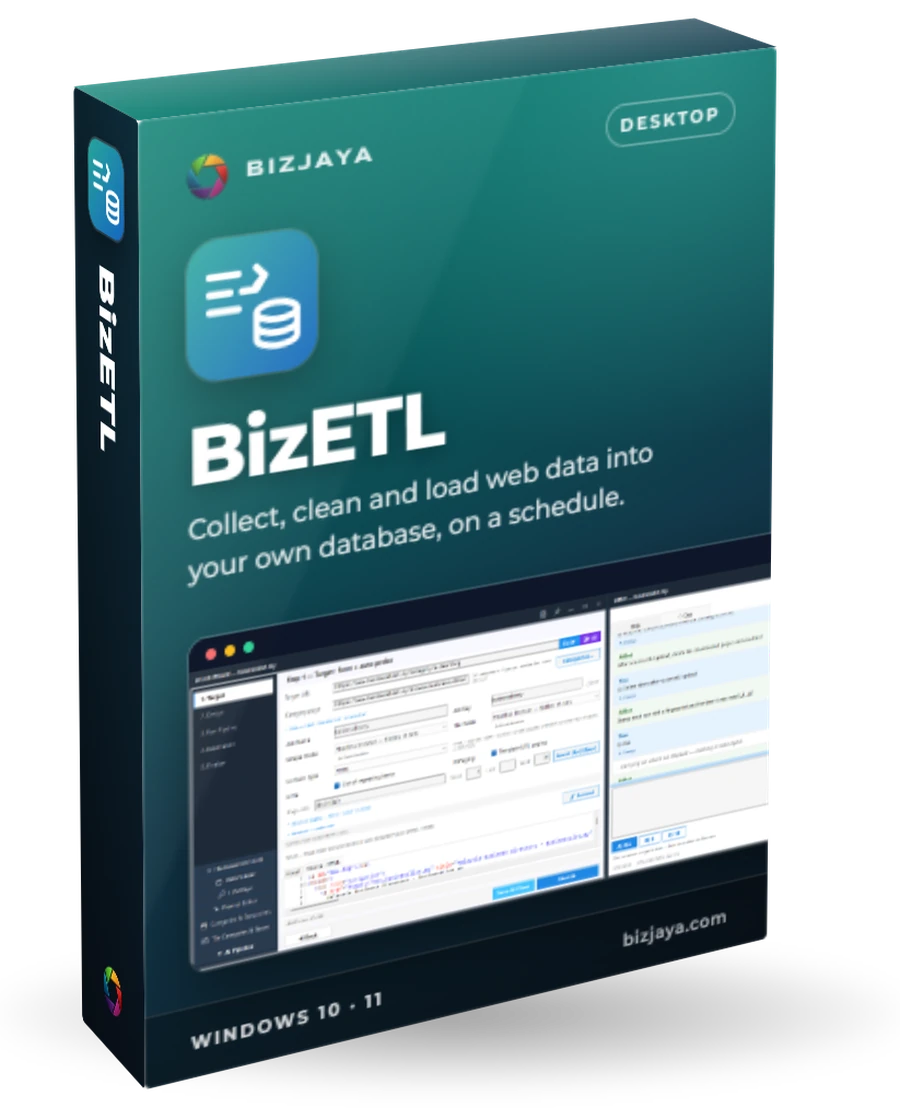
BizETL
Collect, clean and load web data into your own database, on a schedule.
BizETL collects listings and records from websites, cleans and reshapes them, and loads them into your own database, once or on a timer. A setup assistant does the hard part, so you do not need to write code.
Formerly BizScraper.
Who uses BizETL, and for what
Directories and lead lists
Build a business directory or a lead list from public online directories.
Job boards
Fill your job site with vacancies gathered from job portals.
Results and announcements
Pick up results and announcements the moment they are published.
Catalogues and prices
Keep a catalogue fresh. A repeat sighting updates its row instead of adding a copy.
Your own systems
Feed your website, CRM or reports with data that lives on other sites.
Work already done
Re-read pages you downloaded earlier, without visiting the site again.
What BizETL does
Guided setup
The AIBot asks a short series of mostly one-click questions. It needs no AI key.
Finds the structure itself
It spots the list, the link to each item and the page numbers, and reads the site's robots.txt first.
AI for the tricky fields
Optional: bring your own key (OpenAI, Anthropic, Google, Groq, DeepSeek or a local model). Its rules are tested on three items before you accept them.
Clean and map
Tidy each row and map it to your table's columns, with a key that turns repeats into updates.
Your own database
MySQL, MariaDB or MongoDB, several per job. A three-row test upload proves the setup first.
Page by page
Each page is uploaded as soon as it is read. A page that failed goes first on the next run.
Scheduling
Run once now, or keep checking daily or in time windows, with a live progress bar.
Awkward sites
A full, hidden or stealth browser, or plain requests. It can click, fill in and wait before reading a page.
Carry on from another PC
Sign in and press Continue here. A job never runs on two machines at once.
Snapshots
Save a job's state before you experiment, and roll back if it goes wrong.
A look inside

Four steps
- 1
Point it at a site
Paste the address. BizETL loads the page and outlines the items it found.
- 2
Choose what to collect
Confirm the list, the item pages and how many pages to read, then tick the fields.
- 3
Clean and match
Tidy the rows, map them to your table and pick the key. A test upload proves it.
- 4
Run and load
Run once, or keep checking on a timer. Progress shows on the dashboard.
The essentials
- Runs on
- Windows 10 and 11, and Windows Server
- Install
- Per user, no administrator rights needed
- Updates
- Checks hourly and installs between jobs
- Sign-in
- Your BizJaya account: e-mail, Google or GitHub. Offline mode works on its own
- Your data
- Collected rows go only to your database, never to BizJaya
Want BizETL for your team?
Tell us what you need. We reply within 24 hours.
Other products
 Desktop app · Windows 10 and 11ClipBoxYour team's encrypted clipboard for logins, keys and snippets.Learn more
 Agency platform · desktop and client portalBizSEOSearch visibility, approvals and proof of work for every client, in one place.Learn more
 Mobile app · Android phone and tabletFinQuest TraderCrypto, US stocks and MetaTrader in one trading app.Learn more