


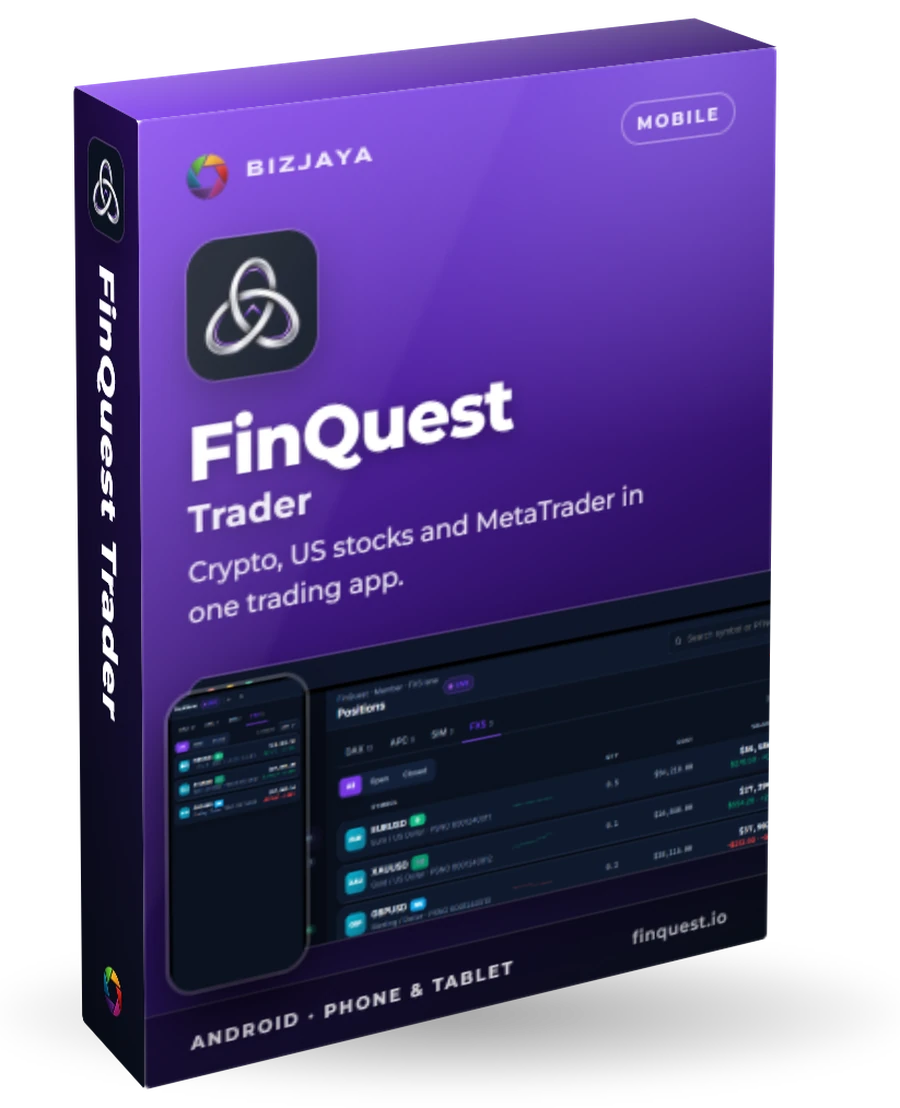
FinQuest Trader
Crypto, US stocks and MetaTrader in one trading app.
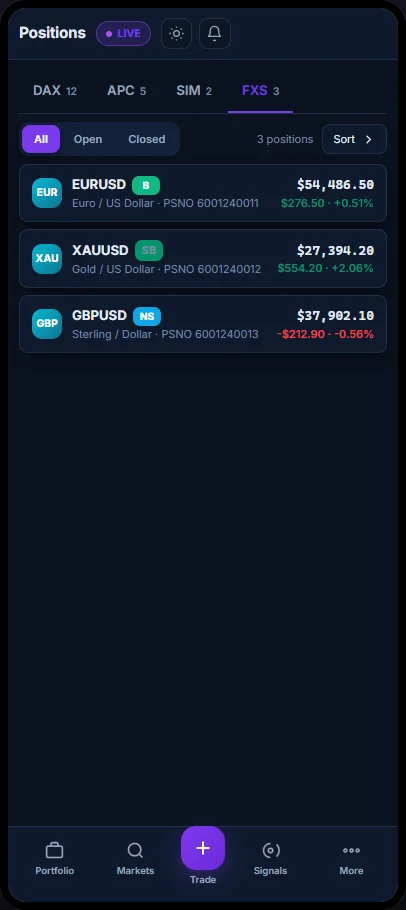
FinQuest Trader puts your FinQuest account in your pocket: crypto, US stocks and your MetaTrader forex and CFD accounts, with every portfolio and position in one place. Place, add to and close trades from your phone, with a PIN on every order.
Who uses FinQuest Trader, and for what
On the move
Equity, profit and loss and every portfolio across your markets, at a glance.
Trade anywhere
Buy, sell, add to a position or close it, and confirm with your PIN.
Act on signals
See when a strategy flags a signal on something you hold, and act on it.
MetaTrader from your phone
Send orders to your MetaTrader 4 or 5 account without opening MetaTrader.
Review performance
Equity, return and drawdown, demo against real, and the leaderboard.
Stay informed
Markets, news and your watchlist in the same app.
What FinQuest Trader does
One account, four markets
Crypto, US stocks, a simulator and forex/CFD, each a tab away.
Trade from your phone
Market and limit orders with time in force. Close all, close one, or only the profitable ones.
MetaTrader 4 and 5
Open a buy or a sell side, add a level or a group, and close an order, a side or the latest group.
Automatic exits
Take profit, stop loss and trailing stop, each off, virtual or hard.
DCA ladder planning
Edit and preview the averaging plan before you commit to it.
Signals
The Signals Feed scores every symbol; the Signals Queue holds the signals on your own portfolios.
A PIN on every order
Orders need your trade PIN, and a failed check never lets one through.
Demo and real
Filter every list by demo or real accounts, with counts.
Performance and leaderboard
Equity, return, real profit and loss, drawdown and trades.
Phone to tablet
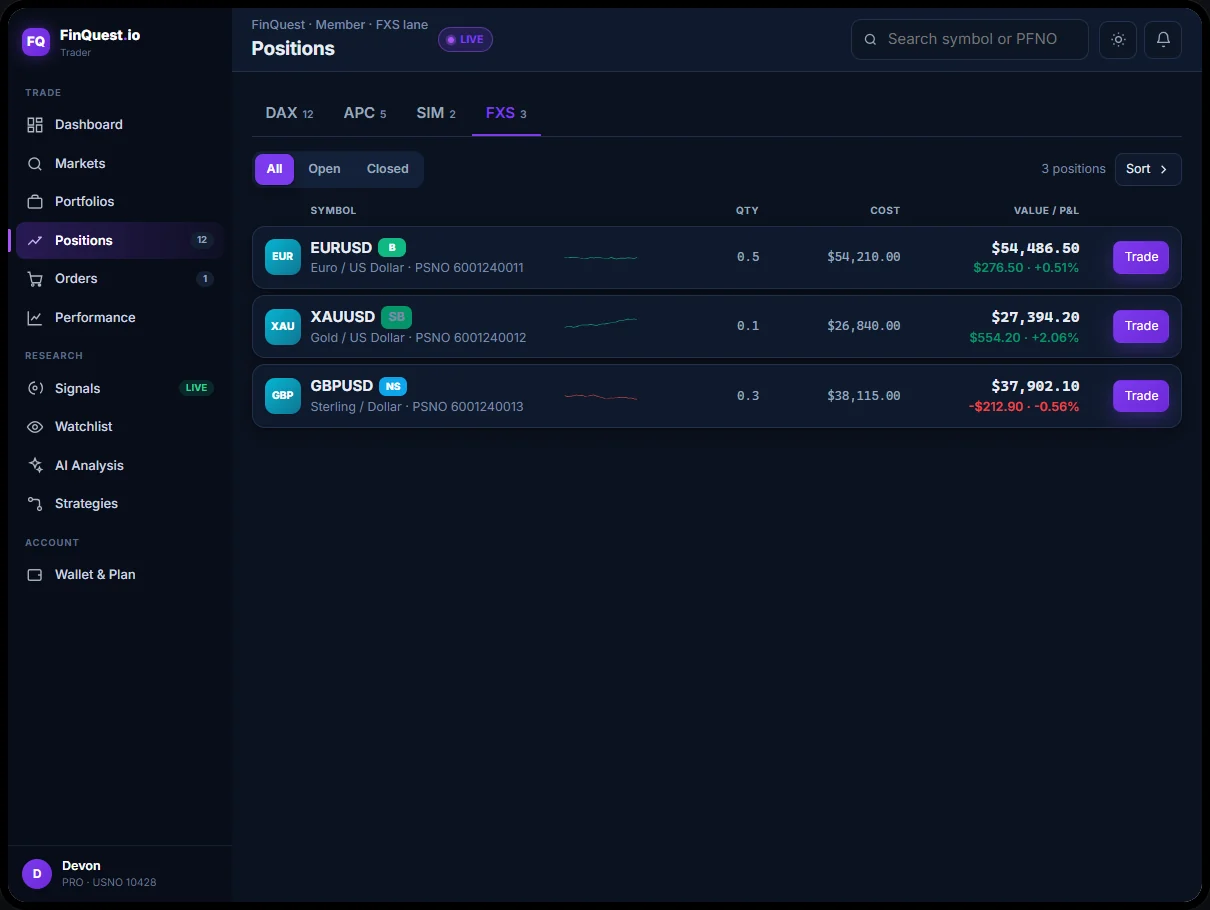
On a tablet the app opens up into a trading desk, list and detail side by side.
A look inside
Four steps
- 1
Sign in
With Google or Telegram, using the same member account as finquest.io.
- 2
Pick a market
Crypto, US stocks, the simulator or forex/CFD, then your portfolios and positions.
- 3
Trade
Tap a position, fill in the order and confirm it with your PIN.
- 4
Exits looked after
FinQuest runs the exits for crypto and stocks; for MetaTrader, the FinQuest Expert Advisor picks the order up within seconds and manages it.
The essentials
- Devices
- Android phone and tablet. iPhone and iPad to follow
- Availability
- Early access. Not yet on the Play Store
- Sign-in
- Google or Telegram, your finquest.io account
- Markets
- Crypto, US stocks through Alpaca, and MetaTrader 4/5 hedging accounts
- On the web
- Everything here is also at finquest.io
Want FinQuest Trader for your team?
Tell us what you need. We reply within 24 hours.
Other products
 Desktop app · Windows 10 and 11ClipBoxYour team's encrypted clipboard for logins, keys and snippets.Learn more
 Desktop app · Windows 10 and 11BizETLCollect, clean and load web data into your own database, on a schedule.Learn more
 Agency platform · desktop and client portalBizSEOSearch visibility, approvals and proof of work for every client, in one place.Learn more