


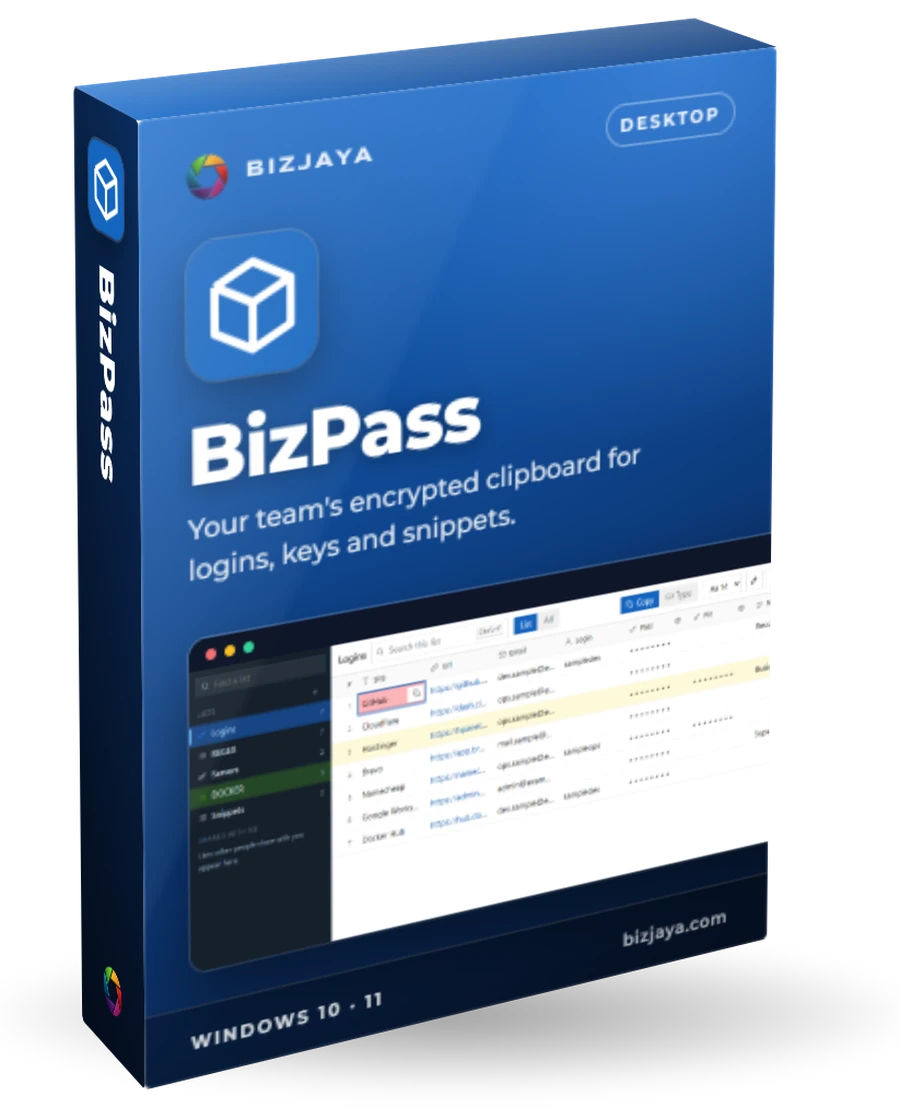
BizPass
Your team's encrypted clipboard for logins, keys and snippets.
BizPass keeps the logins, keys, links and snippets your work runs on in one encrypted vault that looks like a spreadsheet. Click a cell and the value is on your clipboard, then gone again 30 seconds later. It installs beside ClipBox, and you can import your old vault by hand when you are ready.
Who uses BizPass, and for what
What BizPass does
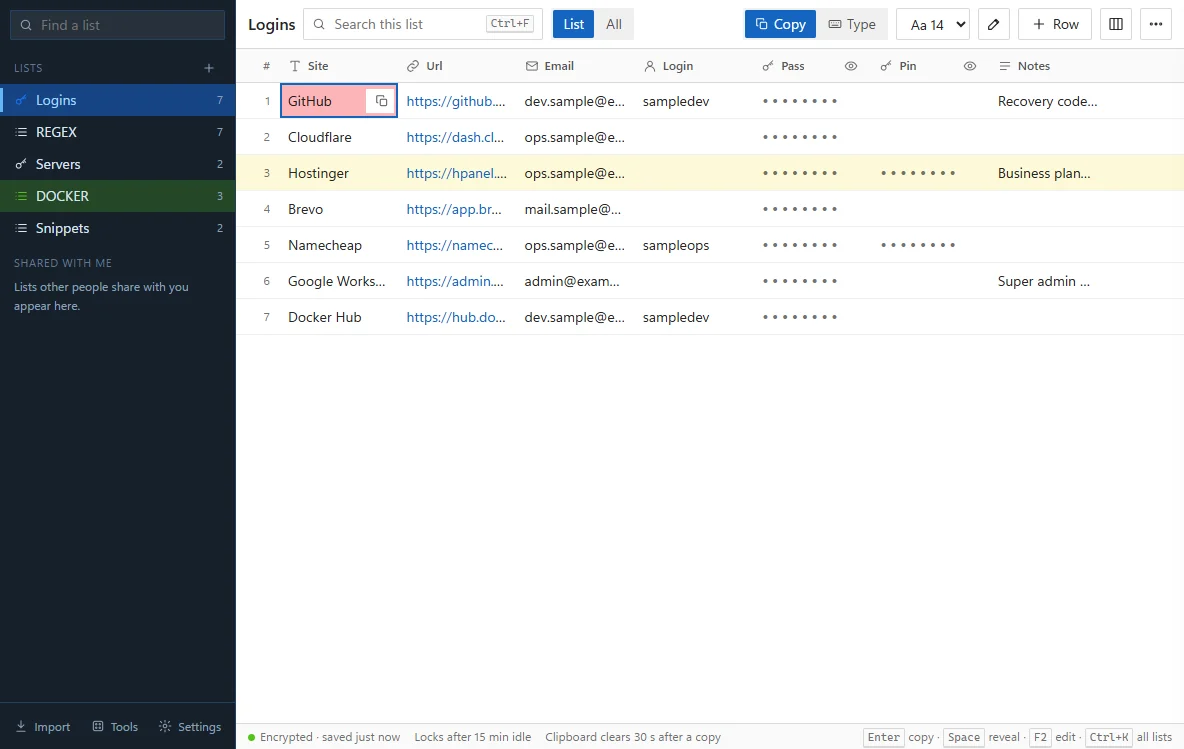
Lists like a spreadsheet
Name your columns and give each one a type: text, link, e-mail, secret or notes.
One click to copy
The cell flashes, a notice says what was copied, and the clipboard clears after 30 seconds. The copy stays out of Windows' clipboard history.
Type it in
For boxes that block pasting, BizPass types the value into the window you were using.
Secrets stay hidden
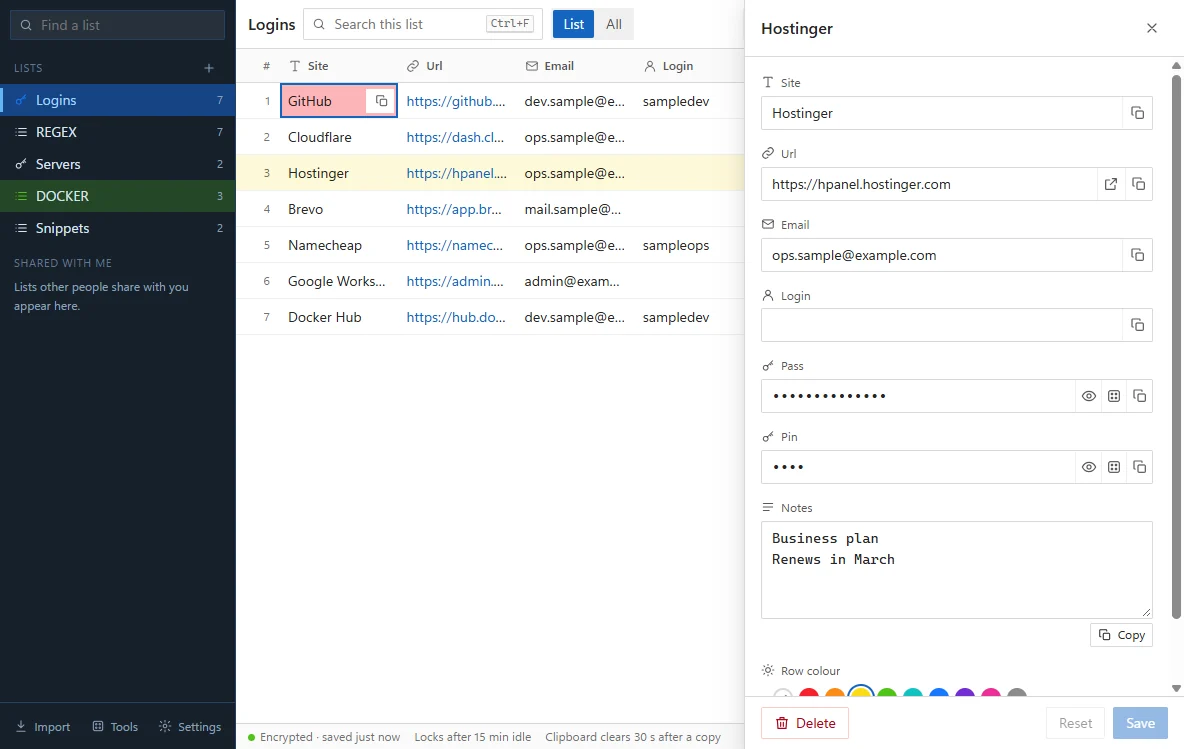
Secret columns are masked until you reveal them. Generate strong ones in the row panel.
Encrypted end to end
AES-256, unlocked by your passphrase and a Secret Key. Nobody, BizJaya included, can read your vault or reset it.
Sync across your PCs
Sign in with Google or GitHub. Lists are encrypted on your PC before they leave it.
Share a list
Give another BizPass user view or edit access. The list stays yours.
Keyboard first
Arrows to move, Enter to copy, Space to reveal, Ctrl+K to search every list.
Locks itself
After the idle time you choose, or with Windows. A Recovery Kit covers a forgotten passphrase.
Everything else you need
Colour marks, edit from the right-click menu, encrypted export and backups, import from ClipBox or ClipBox 2, light and dark themes.
A look inside
Four steps
- 1
Install beside ClipBox
BizPass keeps its files separate, so ClipBox stays available as a fallback.
- 2
Import when you are ready
Choose Import ClipBox from this PC, enter your passphrase, and BizPass checks the vault before copying it. ClipBox 2 files can be imported too.
- 3
Click to copy, or type it in
Values go where you need them and leave the clipboard after 30 seconds.
- 4
Sign in to sync and share
Sign in with Google or GitHub. BizPass syncs through BizCode and lets you share lists.
The essentials
- Runs on
- Windows 10 and 11, 64-bit
- Updates
- Automatic. A new version installs when you close BizPass
- Sign-in
- Google or GitHub, through BizCode
- Import
- Manual, by passphrase, from ClipBox on this PC
- Sync
- Through BizCode at bizcode.io
- Your data
- Encrypted on your PC. The server only ever holds locked data
Want BizPass for your team?
Tell us what you need. We reply within 24 hours.
Other products
 Desktop app · Windows 10 and 11BizETLCollect, clean and load web data into your own database, on a schedule.Learn more
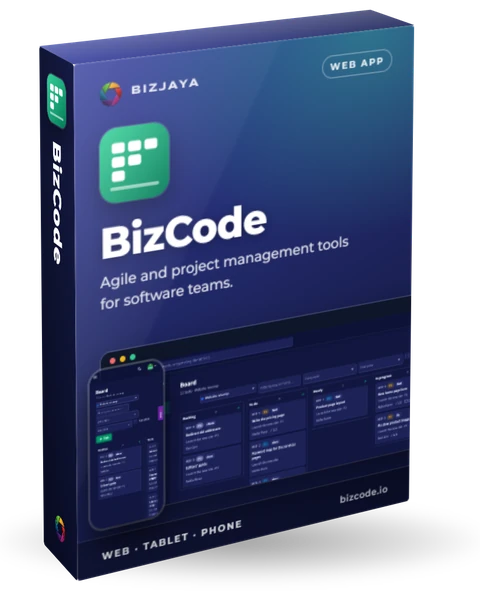 Web app · computer, tablet and phoneBizCodeAgile and project management tools for software teams.Learn more
 Agency platform · desktop and client portalBizSEOSearch visibility, approvals and proof of work for every client, in one place.Learn more
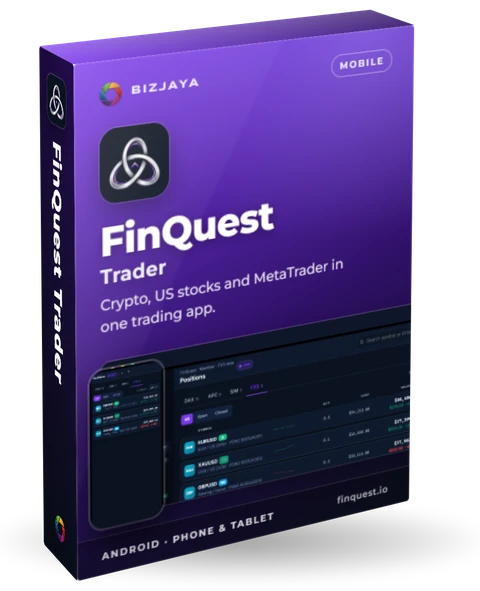 Mobile app · Android phone and tabletFinQuest TraderCrypto, US stocks and MetaTrader in one trading app.Learn more